

ANI in Signal
Ask. Act. Undo. Every answer read from your data.
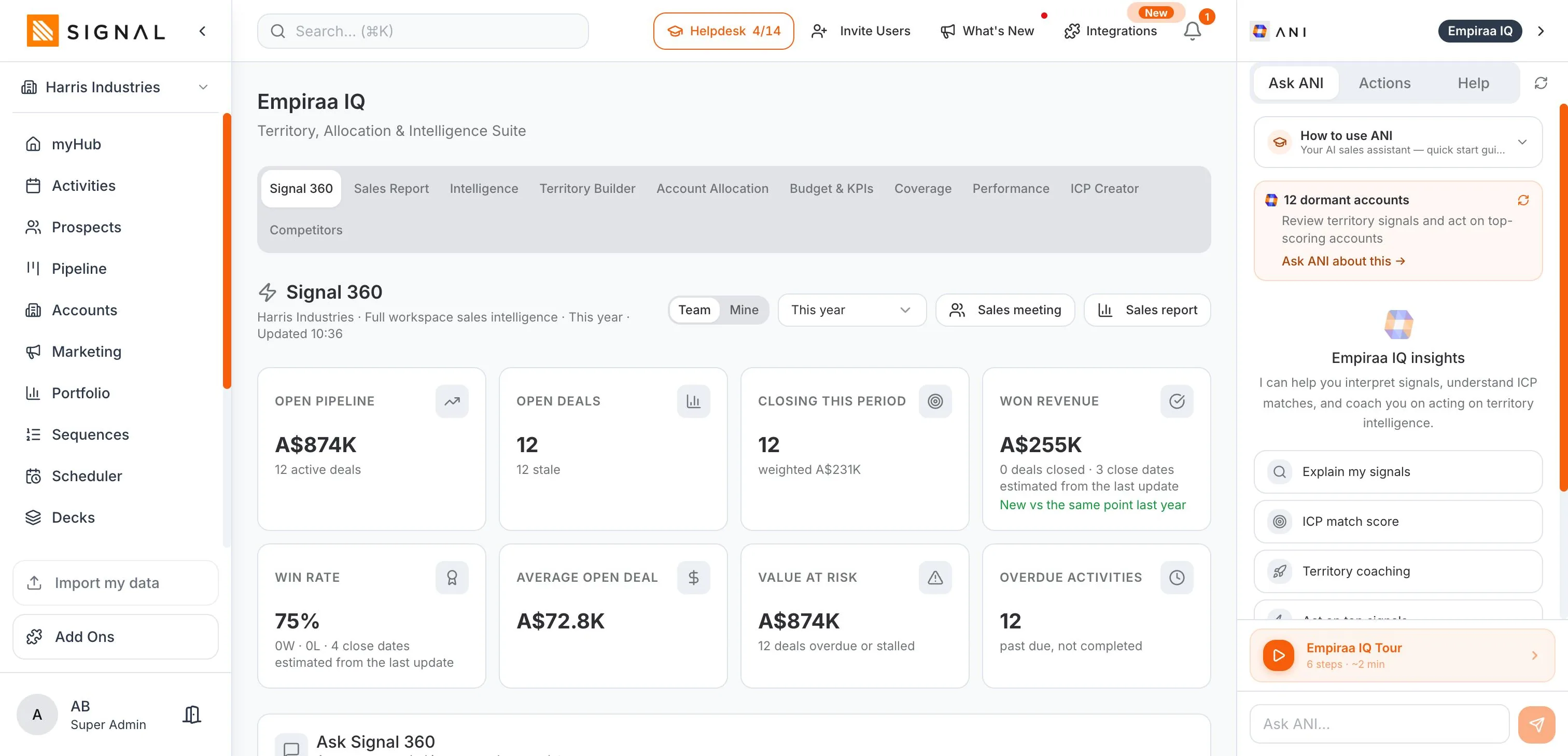
Ask how many deals close this month and most assistants write you a confident paragraph, sometimes with the right number in it. ANI reads the answer out of your records instead. The model finds the words. Your CRM supplies the facts.
Built in, never a separate subscription. 14 days free.
- 14 days free
- No credit card
- Unlimited users
The problem
A chat box bolted onto a database.
It is the standard shape of AI in a CRM, and it fails in four ways that all look like success on a demo.
Why most of it does not help
The number is written, not read
Ask for a figure and a language model produces something in the shape of an answer. Nothing checked it against a record, and nothing in the sentence tells you that.
It has never seen your pipeline
A general model writes a confident email about a company it knows nothing about, to a person whose problem it cannot name. The output reads fine and lands badly.
It is bolted on and billed on top
AI arrives as another line on the invoice, priced per user, in a window that has to be told what your business does before every task.
Or it is trusted with too much
The other failure is worse: something acting on your behalf with no gate on it, and no way back once it has.
How it works
Three verbs, and a fourth thing it will not do.
Ask, act, undo
Ask, and the answer comes out of your records
Your day, your pipeline, a person, a company, your lists, your campaigns and sequences. The figures are read from the records and the records are cited, so you can open them and check. Ask about a contact and you get who they are, what you have discussed, every note, call and email in one answer, how they prefer to be contacted and what the next move should be, all of it from your own history with them rather than from general advice about selling.- Numbers read from your data, not generated as text
- The records cited, so every answer can be checked
- Scoped to what you are allowed to see, always
Tell it what to do, and confirm before it happens
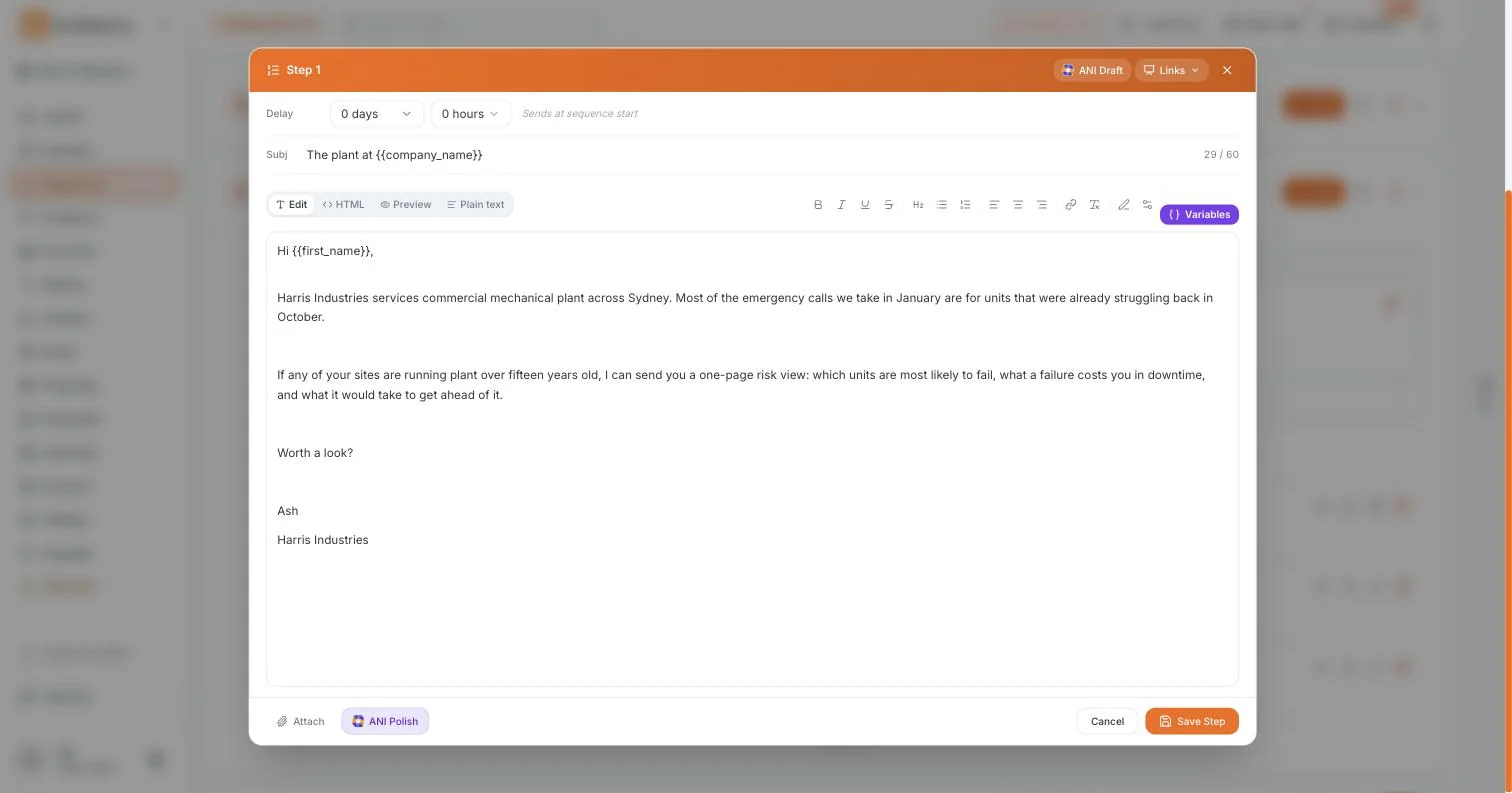
Schedule a call or a meeting, log the call you have just had, mark work done, reschedule everything overdue in one go, plan a whole day, build a call list from your aging deals, draft the follow-ups, prepare a brief before a meeting. Add a note, move a deal to another stage, claim an unassigned record. Draft a proposal or a deck, write a campaign email, save a Segment, write sequence steps, build an Autopilot workflow, enroll someone in a sequence.- Nothing happens until you confirm
- Every change names exactly what it touched
- Two instructions at once, one approval, and an honest report if only one lands
Changed your mind? One tap puts it back
The deal returns to its old stage, the note goes, the activity reopens, rescheduled work goes back to the dates it had. And if you have edited that record since, ANI leaves it alone and tells you why, because an undo that quietly overwrites your own work is not an undo. This is the part that makes the confirm step worth tapping.- Restores the previous state rather than guessing at it
- Refuses, with a reason, if the record changed after the action
- Covers stage moves, notes, activities and rescheduled work
It would rather say no than make something up
ANI will not claim it sent an email it never sent, will not report work it did not do, and will not quote a win rate nobody gave it. When it cannot do what you asked, it says so and tells you what it can do instead. It does not send email on your behalf: it drafts, and you send, or a sequence or an Autopilot workflow you set up does. It cannot delete your records. And when you tell it not to do something, it does not.- No invented figures, and no reporting work it did not do
- It drafts the email, you send it
- It cannot delete a record, on any plan, in any mode
And you decide what it is allowed to do at all
ANI Tuner lets an admin choose which actions ANI may run, and every change it makes is recorded in Audit and Approvals. It inherits your permissions exactly, so ANI can never see or touch a record you could not open yourself, your colleagues’ deals included. The assistant does not come with privileges of its own.- ANI Tuner, for which actions are available at all
- Audit and Approvals, for everything it has done
- Your permissions exactly, never a wider set
Every plan has every feature. The difference between them is volume.
Explore Signal freeWhat you can ask
In the words you would actually use.
Not a query language, and not a dashboard you have to build first.
Seven kinds of question
Your day
What is overdue, what is on today, how you are tracking this month, plan my day. Everything you have let slip, named, rather than a count and a shrug.
Learn moreYour pipeline
Your biggest account, which deals are stalling, who opened your email, what is at risk. Deal health, aging, stage ages and what has gone quiet.
Learn moreA person or a company
Tell me about Hollis Hotscore. Who they are, where they work, every note, call and email in one answer, with the records cited.
Learn moreYour lists
List my contacts, how many prospects do I have, show my accounts. Contacts, prospect contacts, accounts, deals and Segments, counted and named.
Marketing and sequences
How the nurture sequence is doing, campaign performance, Signal Score, workflow status. The same numbers the dashboards show, because they come from the same place.
Learn moreNew business
Your Daily Spark digest: fresh companies worth a look, why they surfaced, and what to do about them.
Learn moreHow Signal works
It knows the product, not just your data. Ask how sequences work or where proposals live and it explains, points you at the page, and can walk you through it, with coaching videos when you would rather watch than read.
Try it in four minutes
Ask, tell, confirm, undo.
In that order, because the fourth step is the one that decides whether you will use the second.
The whole product, once through
Ask it what is overdue
Then open one of the records it names and check that the answer was right.
Tell it to reschedule the lot
One instruction for all of it, rather than opening fourteen activities.
Read what it is about to do
The confirmation names each change. This is the step that is worth the extra tap.
Undo it
Everything goes back to the dates it had. Now you know what the gate is protecting.
Where you will find it
Beside the work, not in a separate tab.
An assistant you have to go and visit is an assistant you stop visiting.
Four places
A panel on every page
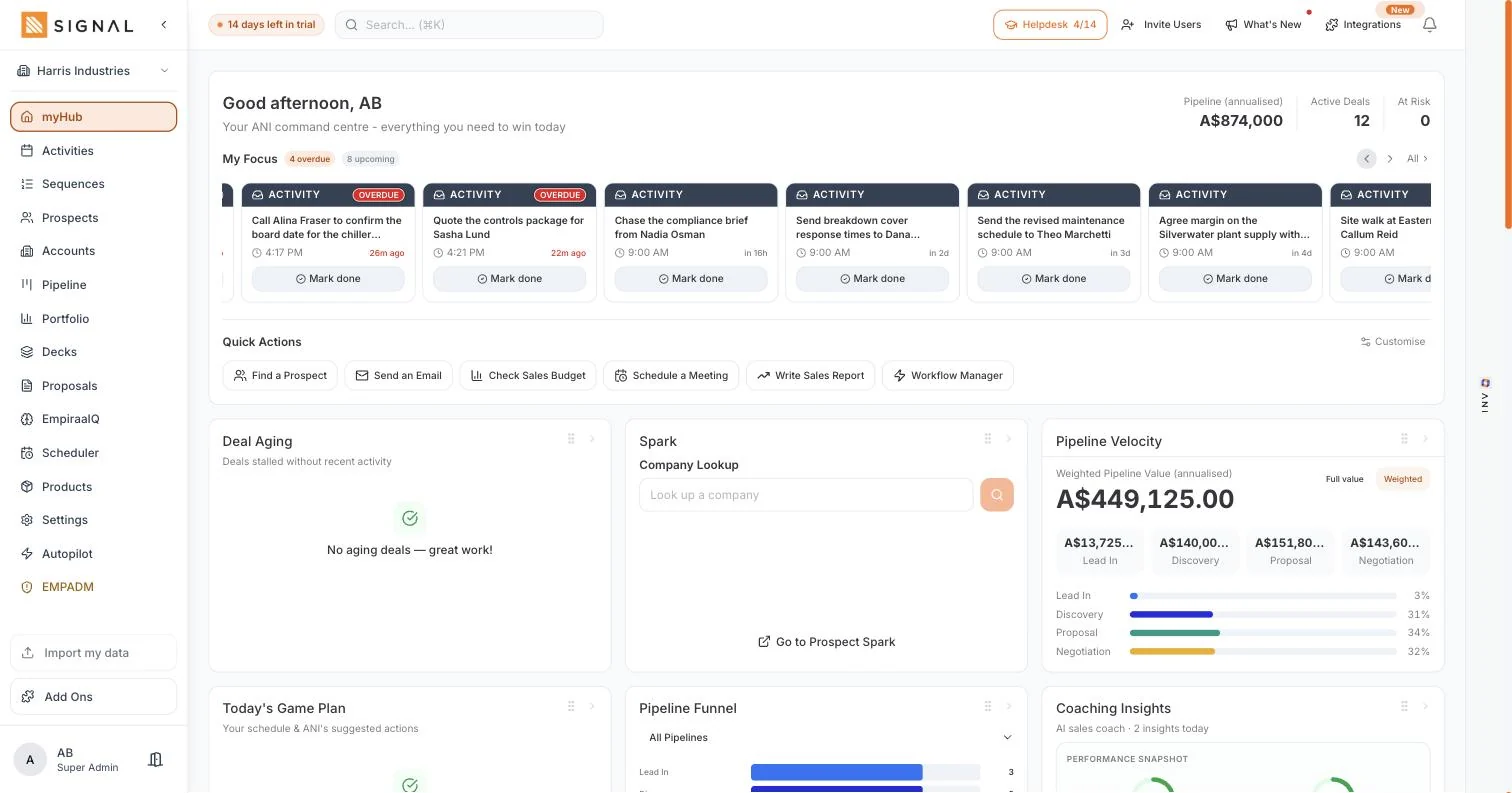
Ask for questions, Actions for what it suggests right now on whatever you are looking at, and Help for the product itself.
Your briefs
The ANI Daily Brief and the Morning Brief, so the first read of the day is already done.
Every record
On a contact, an account or a deal, with that record already in view rather than described to it.
And on your phone
The same assistant, the same confirmations, between meetings and in the car park.
By role
What it changes, seat by seat.
Who feels it
A sales rep
The blank page problem goes away, and the day arrives in an order that makes sense.
Learn moreA sales manager
The questions you never had time to answer take about fifteen seconds each, and the answer cites the deals.
Learn moreA founder
The admin half of selling stops eating the evening you were going to use for the product.
Learn moreA CEO or owner
A number you can defend, because it was read from a record rather than written about one.
Learn moreQuestions
ANI questions, answered.
How do I know a number ANI gives me is real?
Because it was read from your records rather than written as a sentence. When you ask about your own data, the figures are taken from the workspace and the records behind them are cited in the answer, so you can open them and check. The language model chooses the words; it does not choose the numbers.
Will it change things without asking?
No. Nothing happens until you confirm, and the confirmation names exactly what it is about to touch. If you give it two instructions at once you approve them together, and if only one of them succeeds it tells you that rather than reporting success.
Can I undo something ANI did?
Yes, in one tap. The deal goes back to its previous stage, a note is removed, an activity reopens, and rescheduled work returns to its original dates. If you have edited that record yourself since the action, ANI will not overwrite your edit: it stops and tells you why.
Will it send emails on its own?
ANI does not send email on your behalf. It drafts, and you send. Email leaves Signal when you send it, when you start a sequence, or when an Autopilot workflow you configured sends it, and in each of those cases the decision was yours rather than ANI’s. How Autopilot works.
Can it delete my data?
No. ANI cannot delete your records, on any plan and in any mode.
Can ANI see my colleagues’ deals?
Only if you can. ANI inherits your permissions exactly, so it can never see or touch a record you could not open yourself. Every list it counts and every answer it gives is scoped the same way your own screens are.
Can an admin limit what ANI is allowed to do?
Yes. ANI Tuner lets an admin choose which actions ANI may run at all, and Audit and Approvals records every change it has made, so the question of what it did on a given day has an answer rather than an opinion.
Is ANI an extra subscription?
No. ANI is built into Empiraa Signal and into Empiraa GPS, and it is never sold separately. ANI credits are metered on your workspace, so adding people to the team does not add a bill. See pricing.
How many ANI credits do I get?
500 ANI credits a month on Launch, 2,500 ANI credits a month on Drive and 10,000 ANI credits a month on Command. Like every other limit in Signal, it belongs to the workspace rather than to a seat.
Is my data used to train AI models?
No. Each customer’s data is kept separate from every other workspace, and it is never used to train AI models. You can export what you hold whenever you want.
Is this the same ANI that runs in Empiraa GPS?
Yes. ANI is the intelligence across Empiraa, built into both platforms. In Signal it works on deals, outreach and marketing; in GPS it works on the plan and its execution. More about ANI.

Wondering what it would say about your own pipeline? Ask ANI and get a straight answer.
Ask it something you have never built a report for.
14 days free, no credit card, unlimited users. Ask, confirm, and undo it if you do not like it.